HLD vs LLD: Understanding High-Level and Low-Level Design in System Design
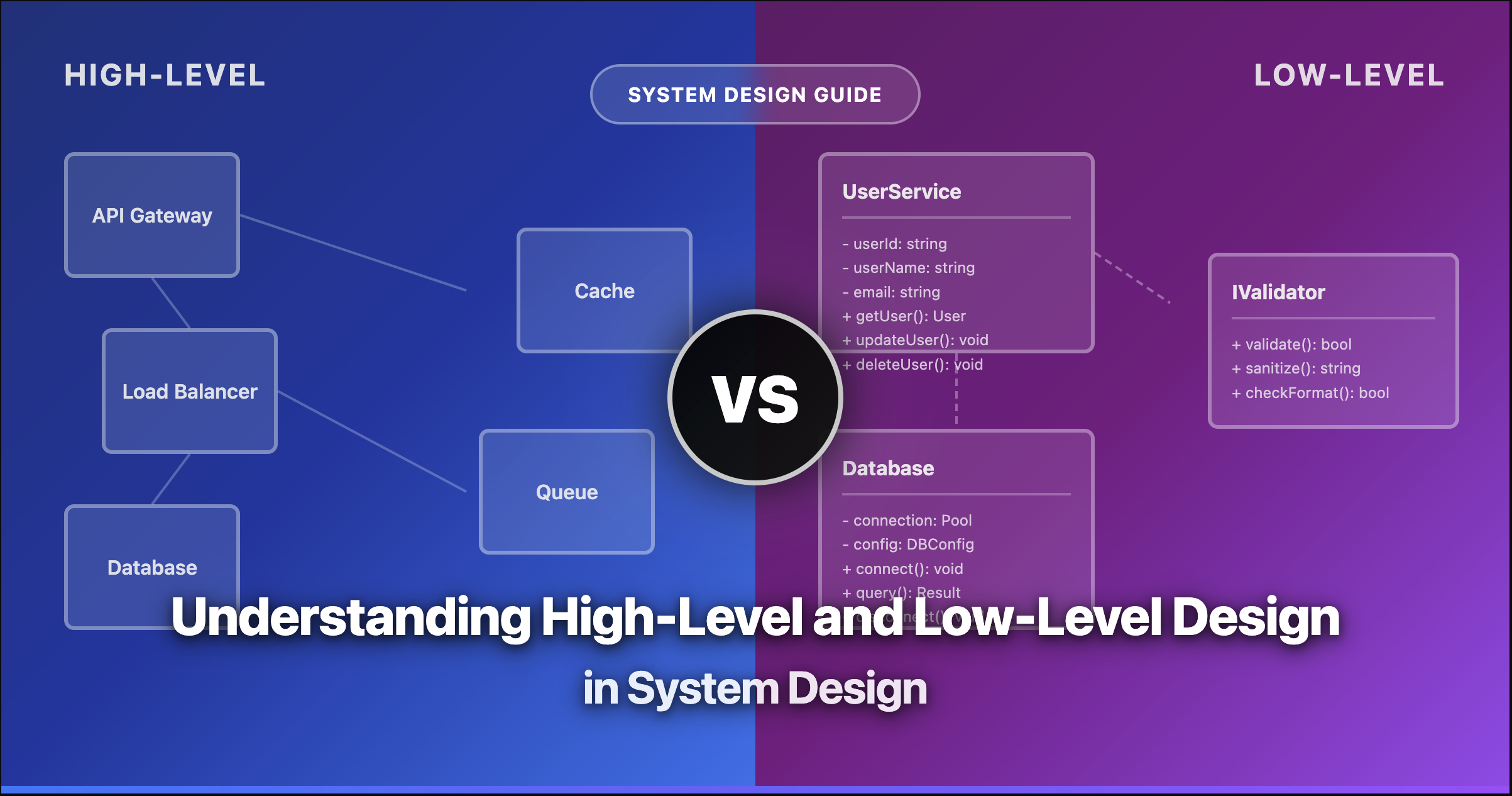
HLD vs LLD: Understanding High-Level and Low-Level Design
You’re preparing for a system design interview. The interviewer asks: “Design a URL shortener.” Do you start drawing boxes labeled “Web Server” and “Database”? Or do you dive into class diagrams and data structures?
The answer depends on whether they want High-Level Design (HLD) or Low-Level Design (LLD). And knowing the difference isn’t just interview trivia—it’s a fundamental skill that separates good engineers from great architects.
The Quick Distinction
HLD answers “What does the system look like?” It’s the architecture, the components, how data flows between them.
LLD answers “How do we build each component?” It’s the classes, methods, algorithms, and database schemas.
Let’s break this down properly.
Where HLD and LLD Fit in Software Development
Before diving into the details, let’s see where these designs fit in the software development lifecycle:
Notice how HLD comes first—you need to know the big picture before you can design the details. LLD builds on top of HLD, taking each component and specifying exactly how to implement it.
What is High-Level Design (HLD)?
High-Level Design is like the blueprint of a city. It shows you the major districts, how roads connect them, and where essential services are located. You won’t find the interior layout of individual buildings—that’s not its job.
In software terms, HLD defines:
- System architecture: Microservices vs monolith, cloud vs on-premise
- Major components: What are the key services or modules?
- Data flow: How does information move through the system?
- Technology choices: Which databases, message queues, caching layers?
- External integrations: APIs, third-party services, external systems
A Real HLD Example: URL Shortener
Let’s see what a High-Level Design for a URL shortener looks like:
This diagram tells you:
- We have a load balancer handling traffic distribution
- An API gateway routing requests to appropriate services
- Three main services handling different responsibilities
- Separate databases for different purposes (with caching)
What it doesn’t tell you: How do we generate short URLs? What’s the database schema? How do classes interact? That’s LLD territory.
What HLD Documents Include
Architecture Scalability Technology Stack- System context diagrams: How the system fits in the broader environment
- Component diagrams: Major modules and their interactions
- Data flow diagrams: How information moves through the system
- Technology decisions: Database choices, frameworks, cloud services
- Non-functional requirements: Scalability, availability, performance targets
What is Low-Level Design (LLD)?
If HLD is the city blueprint, LLD is the architectural plan for each building. It specifies room layouts, electrical wiring, plumbing—every detail needed to actually construct the building.
In software terms, LLD defines:
- Class diagrams: What classes exist and how they relate
- Method signatures: What each function does, its inputs and outputs
- Data structures: How data is organized internally
- Database schemas: Tables, columns, indexes, relationships
- Algorithms: The logic for key operations
- API contracts: Request/response formats, endpoints
The Same URL Shortener in LLD
Now let’s zoom into the URL Shortening Service and design it at a low level:
See the difference? Now we know:
- The exact classes we need to create
- What methods each class has
- How classes depend on each other
- The data model for storing URLs
What LLD Documents Include
Classes Algorithms Schemas- Class diagrams with methods: Full UML class diagrams
- Sequence diagrams: How objects interact over time
- Database schema: DDL statements, indexes, constraints
- API specifications: OpenAPI/Swagger docs
- Pseudocode or algorithms: For complex business logic
- Error handling: How different errors are handled
HLD vs LLD: The Complete Comparison
Here’s a comprehensive comparison to make the differences crystal clear:
The Analogy That Makes It Click
The Building Analogy
HLD = City Map showing highways, districts, and landmarks
LLD = Building Blueprint with exact room layouts, plumbing, and wiring
Both are essential—the city map ensures the system is well-structured, while the building blueprint ensures it’s efficiently implemented.
When to Use HLD vs LLD
Understanding when to apply each type of design is crucial for both interviews and real projects.
Use HLD When
- Starting a new project: Define the overall architecture first
- Stakeholder discussions: Non-technical folks need to understand the system
- System design interviews: Usually the first thing interviewers want to see
- Evaluating scalability: Does the architecture support growth?
- Making technology decisions: Choosing databases, cloud providers, etc.
Use LLD When
- Before implementation begins: Developers need detailed specs
- LLD/OOD interviews: Companies specifically testing design patterns
- Code reviews: Validating implementation matches design
- Complex features: Algorithms and data structures matter
- API design: Defining contracts between teams
HLD in System Design Interviews
When an interviewer asks you to “design Twitter” or “design a rate limiter,” they typically expect HLD first. Here’s the approach:
Clarify Requirements (2-3 minutes)
Ask about scale (users, requests/second), features (core vs nice-to-have), and constraints (latency, consistency).
Define High-Level Components (5-7 minutes)
Draw the major services, databases, caching layers. Explain why you chose each component.
Deep Dive on Critical Paths (10-15 minutes)
Pick 1-2 important flows (like posting a tweet) and explain the data flow in detail.
Address Non-Functional Requirements (5 minutes)
Discuss scalability, availability, fault tolerance. How does your design handle 10x traffic?
Common Mistake
Don’t jump into class diagrams in a system design interview unless specifically asked. Most interviewers want to see you think at the architecture level first.
LLD in Object-Oriented Design Interviews
LLD interviews are different. Here you’re expected to write actual class structures, often with code. The approach:
Understand the Problem (2-3 minutes)
What are the core entities? What operations do we need? What are the edge cases?
Identify Classes and Relationships (5-7 minutes)
List the main classes. Define is-a (inheritance) and has-a (composition) relationships.
Define Interfaces First (3-5 minutes)
Start with interfaces/abstract classes. This enables flexibility and testability (Dependency Inversion Principle).
Implement Core Methods (10-15 minutes)
Write the key methods. Apply SOLID principles and relevant design patterns.
Consider Edge Cases (3-5 minutes)
Error handling, concurrency, validation. Show you think about production code.
SOLID Principles in LLD
LLD interviews often test your knowledge of SOLID principles:
Each class should have one reason to change. In our URL shortener, we have separate classes for:
URLShortenerService- Business logic for URL operationsURLRepository- Data persistenceIDGenerator- Generating unique short codes
If we need to change how IDs are generated, we only touch IDGenerator.
Classes should be open for extension but closed for modification. By using the IDGenerator interface, we can add new ID generation strategies (UUID, Snowflake, etc.) without modifying URLShortenerService.
Subtypes must be substitutable for their base types. Any implementation of IDGenerator should work correctly when used by URLShortenerService.
Clients shouldn’t depend on interfaces they don’t use. We have separate interfaces for URLRepository, CacheService, and IDGenerator rather than one big interface.
Depend on abstractions, not concretions. URLShortenerService depends on URLRepository interface, not MySQLURLRepository implementation.
Design Patterns You’ll Use in LLD
Here are the most common patterns that appear in LLD interviews:
| Pattern | Use Case | Example |
|---|---|---|
| Factory | Creating objects without specifying exact class | IDGeneratorFactory.create("base62") |
| Strategy | Swapping algorithms at runtime | Different URL validation strategies |
| Observer | Notifying multiple objects of changes | Analytics listeners on URL clicks |
| Singleton | Ensuring single instance | Configuration manager |
| Builder | Constructing complex objects step by step | Building URL objects with many optional params |
| Decorator | Adding behavior dynamically | Adding caching to repository |
Common Interview Questions
- Design a URL shortener (like bit.ly)
- Design a social media feed (like Twitter)
- Design a ride-sharing service (like Uber)
- Design a video streaming platform (like YouTube)
- Design a messaging system (like WhatsApp)
- Design an e-commerce platform (like Amazon)
How HLD and LLD Work Together
They’re not isolated—they’re two parts of the same design process:
Notice the bidirectional arrows—it’s not a waterfall. LLD might reveal that an HLD decision doesn’t work, requiring adjustments. Good architects iterate between these levels.
Key Takeaways
Remember These
- HLD is the “what”: Architecture, components, data flow, technology choices
- LLD is the “how”: Classes, methods, algorithms, database schemas
- Know your interview type: System design → HLD first. OOD → LLD focus
- They work together: HLD informs LLD; LLD validates HLD
- Practice both: You need both skills to be an effective engineer
Practice Resources
Ready to practice? Here are some paths forward:
For HLD:
- Start with classic problems: URL shortener, Twitter, Uber
- Focus on scalability, availability, and trade-offs
- Practice drawing clear architecture diagrams
For LLD:
- Master SOLID principles and common design patterns
- Practice with parking lots, elevators, and chess games
- Write actual code, not just diagrams
- Use our LLD Playground to practice with AI-powered feedback
The best engineers are comfortable at both levels. They can zoom out to see the big picture and zoom in to handle implementation details. That versatility is what separates good engineers from great architects.
“The goal of software architecture is to minimize the human resources required to build and maintain the required system.” — Robert C. Martin (Uncle Bob)
Now go practice. Pick a system, design it at both levels, and see how they connect. That’s how you build real design skills.